
Split Any Image into Editable Layers with AI
Upload a JPG, PNG, or WebP and SplitLayers separates it into transparent layers you can toggle, download as PNG, bundle as ZIP, or open as a real layered PSD.
1 credit per image · failed runs refunded · packs from $4.90
Last updated October 28, 2026
Real output, not a mockup
This is an actual SplitLayers output: a product photo separated into a reconstructed background and two subject layers. The background is an AI estimate — the subjects are pixel-clean.
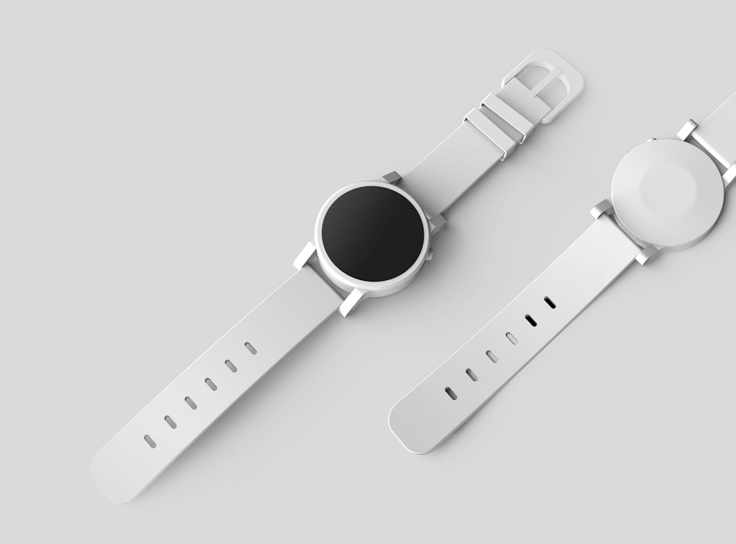
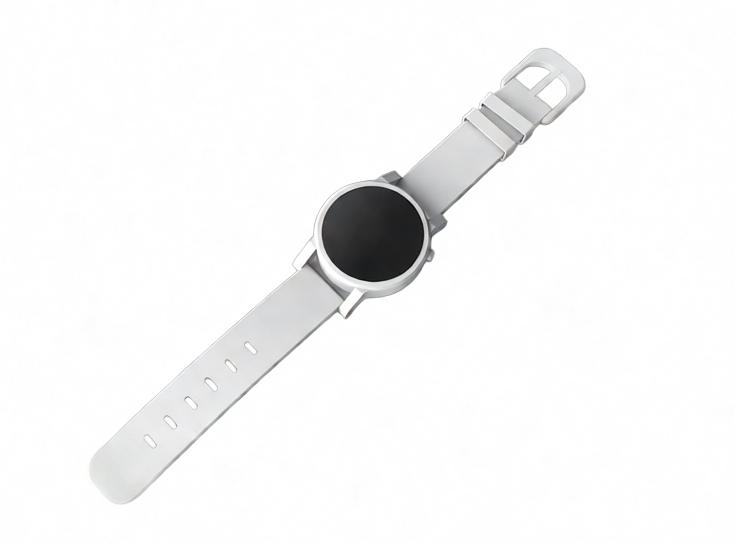
Try the sample — toggle the layers yourself
This is the same interactive preview you get on every result. Turn layers on and off, zoom in on the edges. No account needed for the sample.
Split your own image
Sign in, upload, and get your layers in about 10 seconds. One credit per image — refunded automatically if nothing usable comes back.
Drop an image here, or click to choose
JPG, PNG, or WebP · up to 10MB
How it works
- 1
Upload your image
JPG, PNG, or WebP up to 10MB. Your file stays private to your account.
- 2
AI splits it into layers
Subjects are separated onto transparent layers in about 10 seconds. Pick a target of 2–8 layers.
- 3
Preview and export
Toggle layers on a checkerboard preview, then download PNGs, a ZIP, or a layered PSD.
Where layers pay off
E-commerce product photos
Pull the product off its background, drop it into a new scene, or retouch the backdrop without touching the subject.
Design and marketing assets
Break a flat poster or social graphic into pieces you can rearrange in Photoshop, Figma, or Canva.
Photo editing shortcuts
Get a head start on compositing: subject and background already separated, ready for your own adjustments.
Questions, answered honestly
- What exactly do I get?
- Between 1 and 8 transparent PNG layers (you pick the target count), a ZIP bundle of all layers, and a layered PSD that opens in Photoshop and Photopea. Empty layers the model occasionally returns are removed before delivery.
- Is the background layer my original background?
- No. The background is an AI-estimated reconstruction of what might sit behind the subject. It is often excellent, sometimes inventive. Never rely on it as a pixel-perfect restoration.
- What resolution do I get back?
- The model outputs at a lower resolution than your upload (a 1024px image typically returns around 512–736px wide). The exact output size is shown on every result before you download.
- How much does it cost?
- One credit per image. Packs start at $4.90 for 10 credits. If a run fails or returns nothing usable, the credit is refunded automatically.
- What happens to my images?
- Uploads and results are stored privately and served only to your account. They are never used to train models, and you can request deletion at any time.