
Image Layer Separator — Isolate Every Object on a Transparent Layer
SplitLayers detects the distinct subjects in your photo and separates them onto individual transparent PNG layers, ready for masking-free editing.
1 credit per image · failed runs refunded · packs from $4.90
Last updated October 28, 2026
Watch the layers come apart
This is an actual SplitLayers output: a product photo separated into a reconstructed background and two subject layers. The background is an AI estimate — the subjects are pixel-clean.
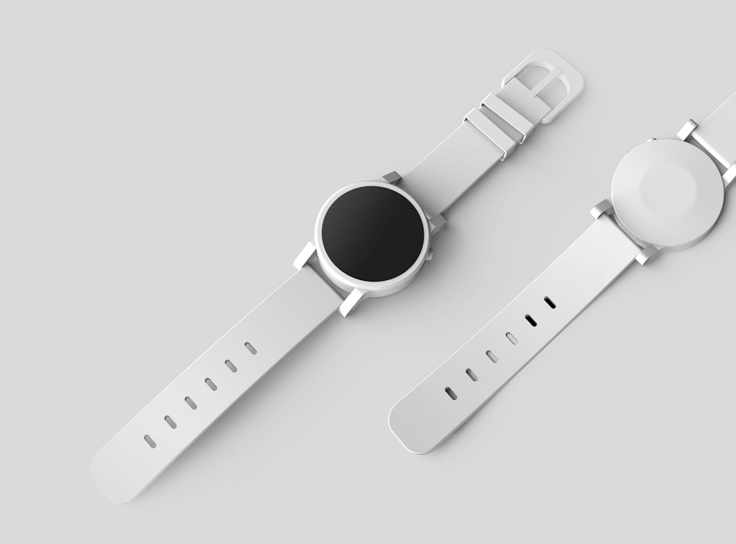
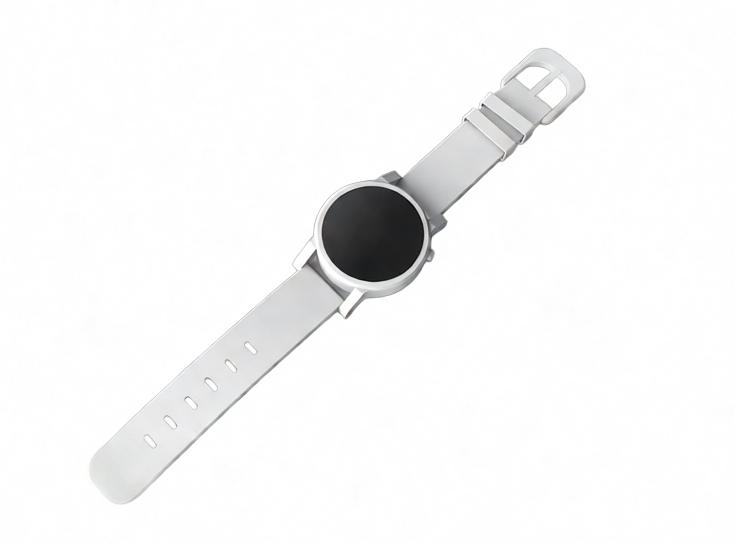
Try the sample — toggle the layers yourself
This is the same interactive preview you get on every result. Turn layers on and off, zoom in on the edges. No account needed for the sample.
Split your own image
Sign in, upload, and get your layers in about 10 seconds. One credit per image — refunded automatically if nothing usable comes back.
Drop an image here, or click to choose
JPG, PNG, or WebP · up to 10MB
How it works
- 1
Upload your image
JPG, PNG, or WebP up to 10MB. Your file stays private to your account.
- 2
AI splits it into layers
Subjects are separated onto transparent layers in about 10 seconds. Pick a target of 2–8 layers.
- 3
Preview and export
Toggle layers on a checkerboard preview, then download PNGs, a ZIP, or a layered PSD.
Where layers pay off
Object-level isolation
Each detected element arrives on its own layer with a clean alpha edge — no manual pen-tool masking.
Background replacement
Hide the background layer, drop in your own, and the subject composite updates instantly in your editor.
Selective retouching
Edit one element without risking the rest of the image: layers keep every adjustment scoped.
Questions, answered honestly
- How many objects can it separate?
- You choose a target of 2, 3, 4, 6, or 8 layers. The model may return fewer for simple scenes — you always see exactly what was delivered, and unusable runs refund your credit.
- Does it work on portraits?
- Yes — hair and soft edges come through with feathered alpha. For single-subject portraits, 3 layers tends to work best.
- Are empty or duplicate layers included?
- No. Fully transparent layers and full-canvas duplicate layers are detected and removed before you download anything.
- What resolution do I get back?
- Lower than the input (typically 512–736px wide from a 1024px upload). The result page always shows the true output size.