
Image to PSD — a Real Layered File, Not a Flat Export
SplitLayers builds an actual .psd with named, transparent layers in order — open it in Photoshop or Photopea and keep editing where the AI left off.
1 credit per image · failed runs refunded · packs from $4.90
Last updated October 28, 2026
From flat image to layered PSD
This is an actual SplitLayers output: a product photo separated into a reconstructed background and two subject layers. The background is an AI estimate — the subjects are pixel-clean.
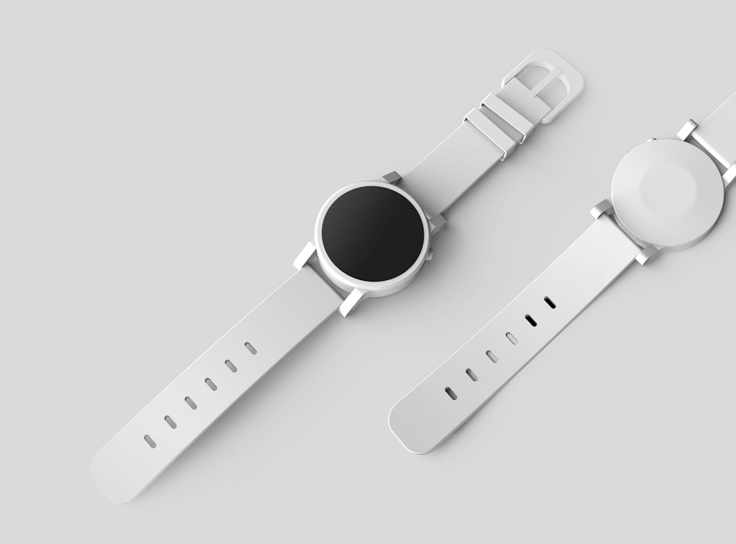
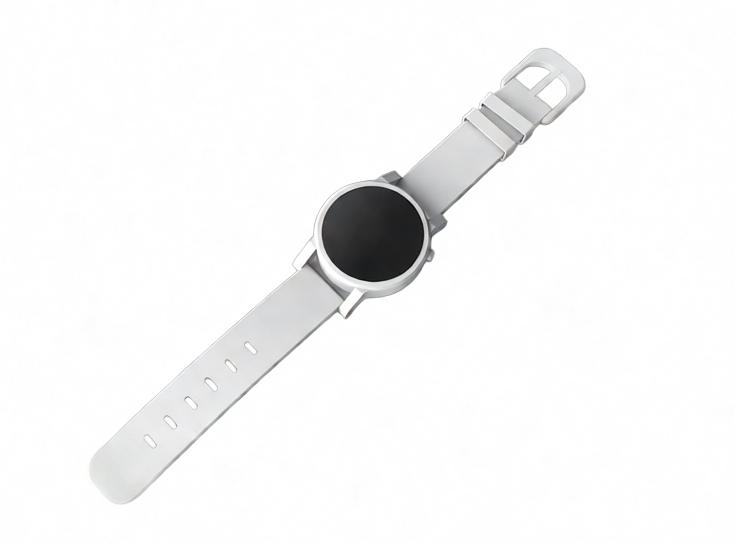
Try the sample — toggle the layers yourself
This is the same interactive preview you get on every result. Turn layers on and off, zoom in on the edges. No account needed for the sample.
Split your own image
Sign in, upload, and get your layers in about 10 seconds. One credit per image — refunded automatically if nothing usable comes back.
Drop an image here, or click to choose
JPG, PNG, or WebP · up to 10MB
How it works
- 1
Upload your image
JPG, PNG, or WebP up to 10MB. Your file stays private to your account.
- 2
AI splits it into layers
Subjects are separated onto transparent layers in about 10 seconds. Pick a target of 2–8 layers.
- 3
Preview and export
Toggle layers on a checkerboard preview, then download PNGs, a ZIP, or a layered PSD.
Where layers pay off
Photoshop workflow
The PSD opens with each element on its own layer — transparency, order, and names intact. Add masks, adjustment layers, and type on top.
Photopea and free editors
No Photoshop license? The same file opens in Photopea in the browser, layers fully editable.
Batch-friendly exports
Every run also produces per-layer transparent PNGs and a ZIP, so downstream pipelines can pick the format they need.
Questions, answered honestly
- Is it a real PSD with separate layers?
- Yes. The file contains one RGBA layer per detected element plus a composite view. Layer order matches the preview you see on the result page.
- Which apps open the PSD?
- Photoshop and Photopea are verified. Any editor with PSD layer support (Affinity Photo, GIMP) will read the layers as well.
- Can I just get the PNGs?
- Every run includes per-layer transparent PNG downloads and a ZIP bundle — the PSD is one of three export formats, never the only one.
- What resolution is the PSD?
- The model downscales on output (a 1024px input typically lands at 512–736px wide). The result page states the exact canvas size.